
To find the right Consumables for your Printer use the search below with your Printer Model or Cartridge Part # .
") Product image for reference only
Product image for reference only




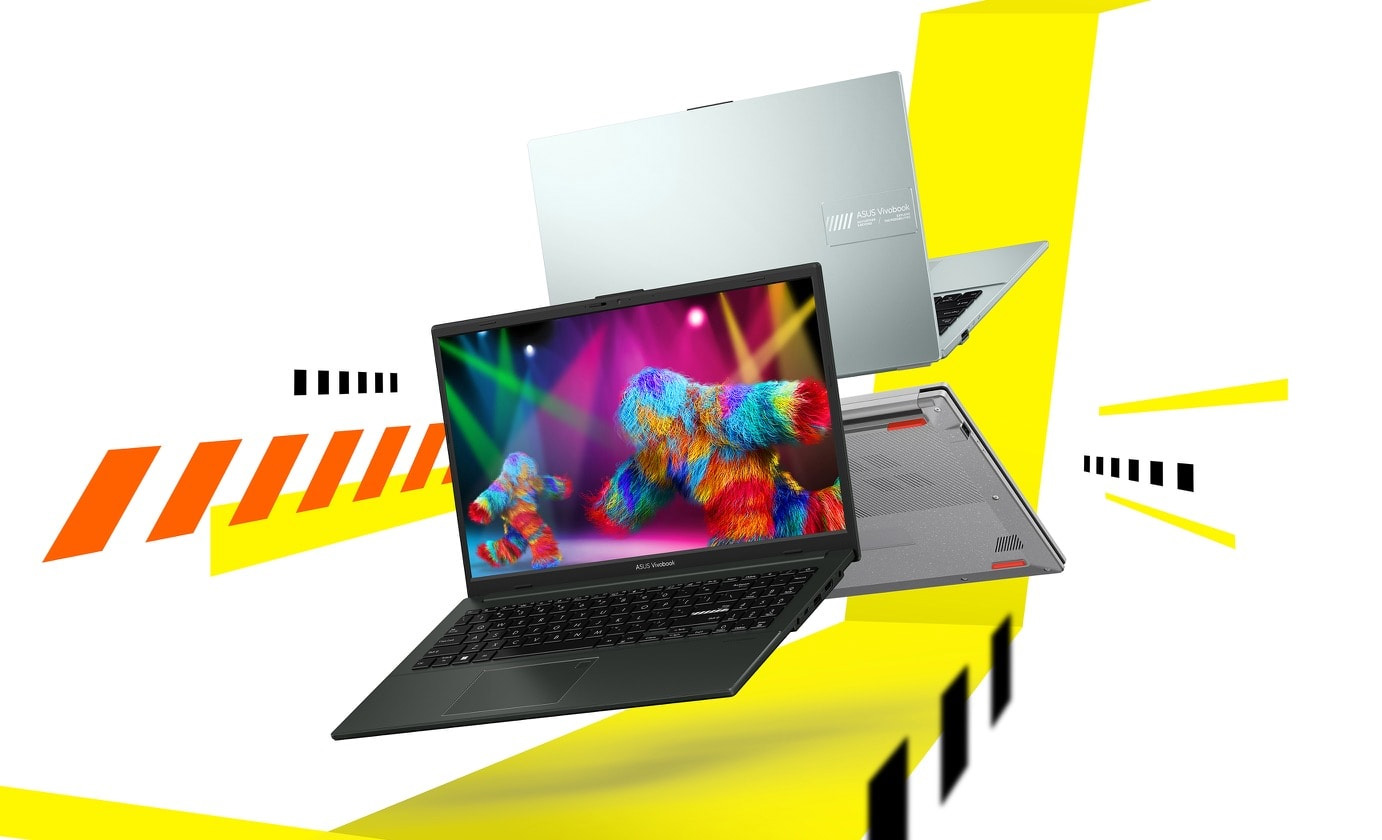
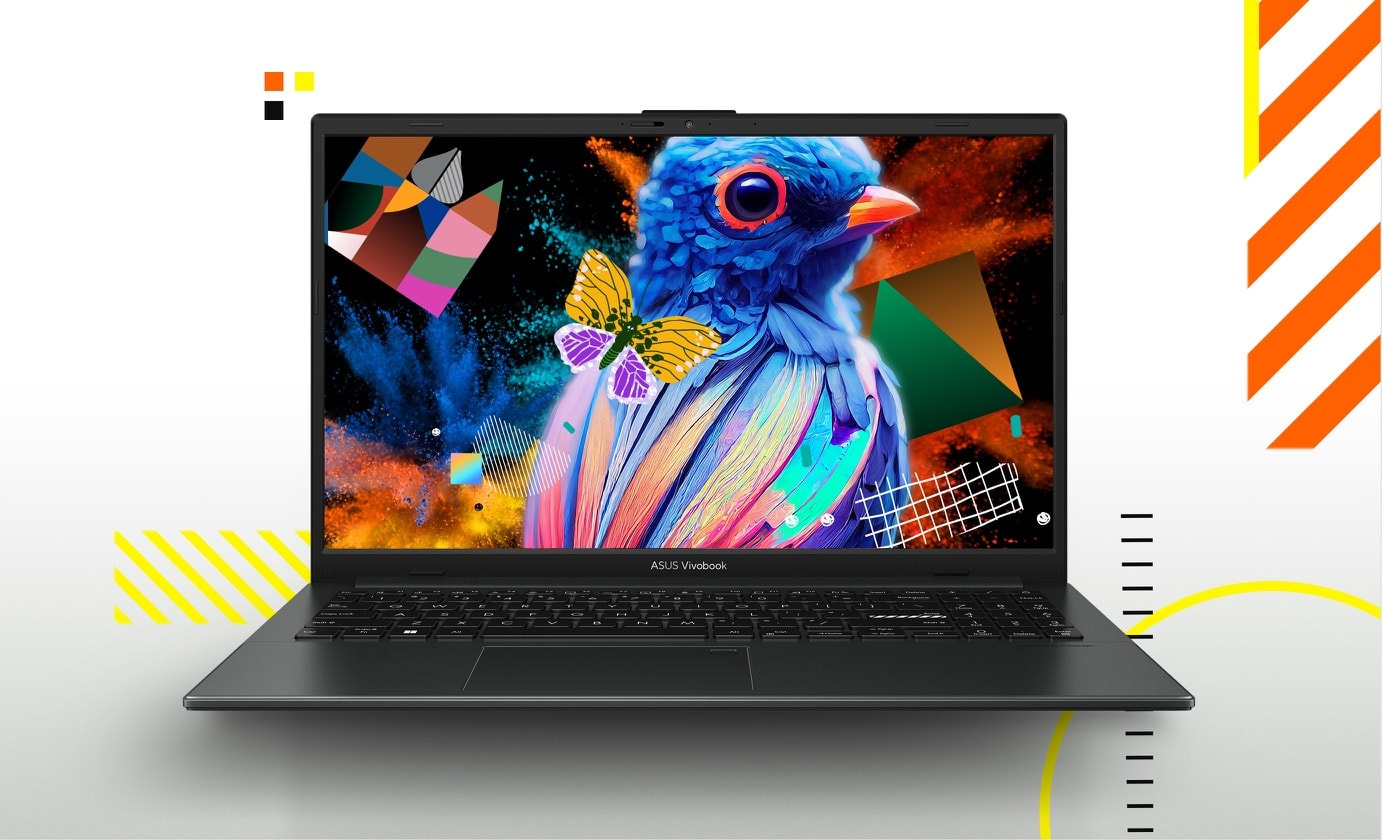
It’s light. It’s compact. It’s the ASUS Vivobook Go 15, and it’s designed to make you productive and keep you entertained wherever you go! With its 180° lay-flat hinge, physical webcam shield and loads of thoughtful design features —Vivobook Go 15 is the laptop that sets you free!
Performance
Vivobook Go 15 is powered by an AMD Ryzen™ 5 processor, 16 GB of speedy LPDDR5 memory and 512 GB of storage to help you complete all your productivity missions.
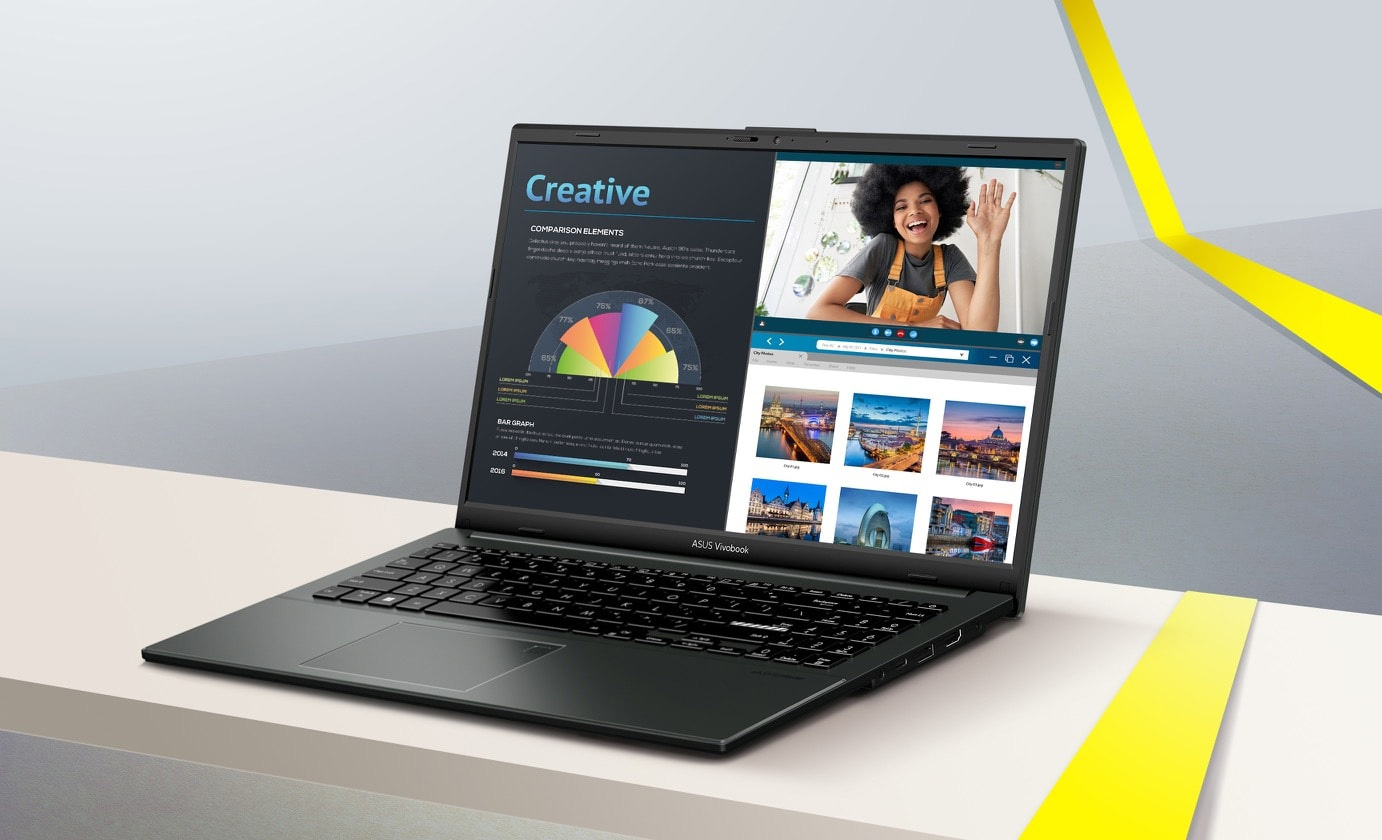
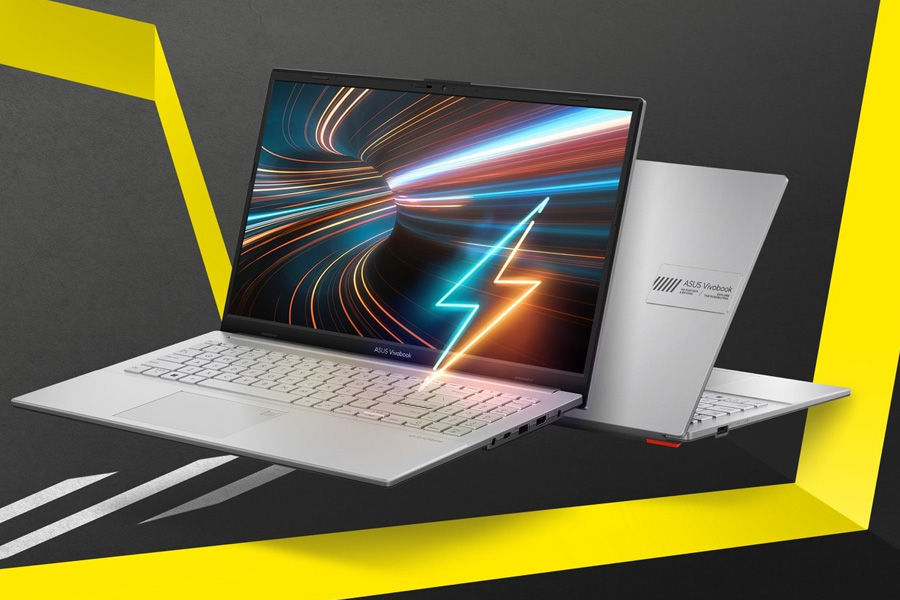
Fast charging
Vivobook Go 15 supports fast charging, so you can charge a low battery to 60% in as little as 49 minutes4. You’ll be up and running quicker than ever!
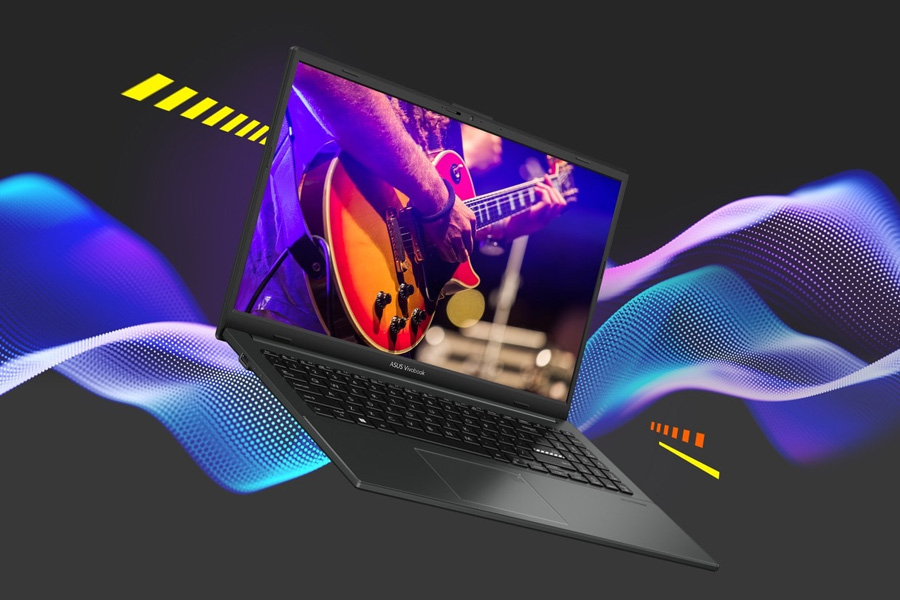
Outstanding audio to hear the world
Vivobook Go 15 provides incredibly powerful, crystal-clear sound with ASUS SonicMaster. The combination of hardware and software boost the volume, and remove noise to improve audio clarity so you get truly immersive sound.
Display
Vivobook Go 15 has stunningly crisp and clear visuals, with a reduced risk of eye strain during long viewing sessions thanks to its TÜV Rheinland eye-care certified panel. The NanoEdge slim-bezel design gives you more screen space for multitasking and immersive viewing.
Connectivity
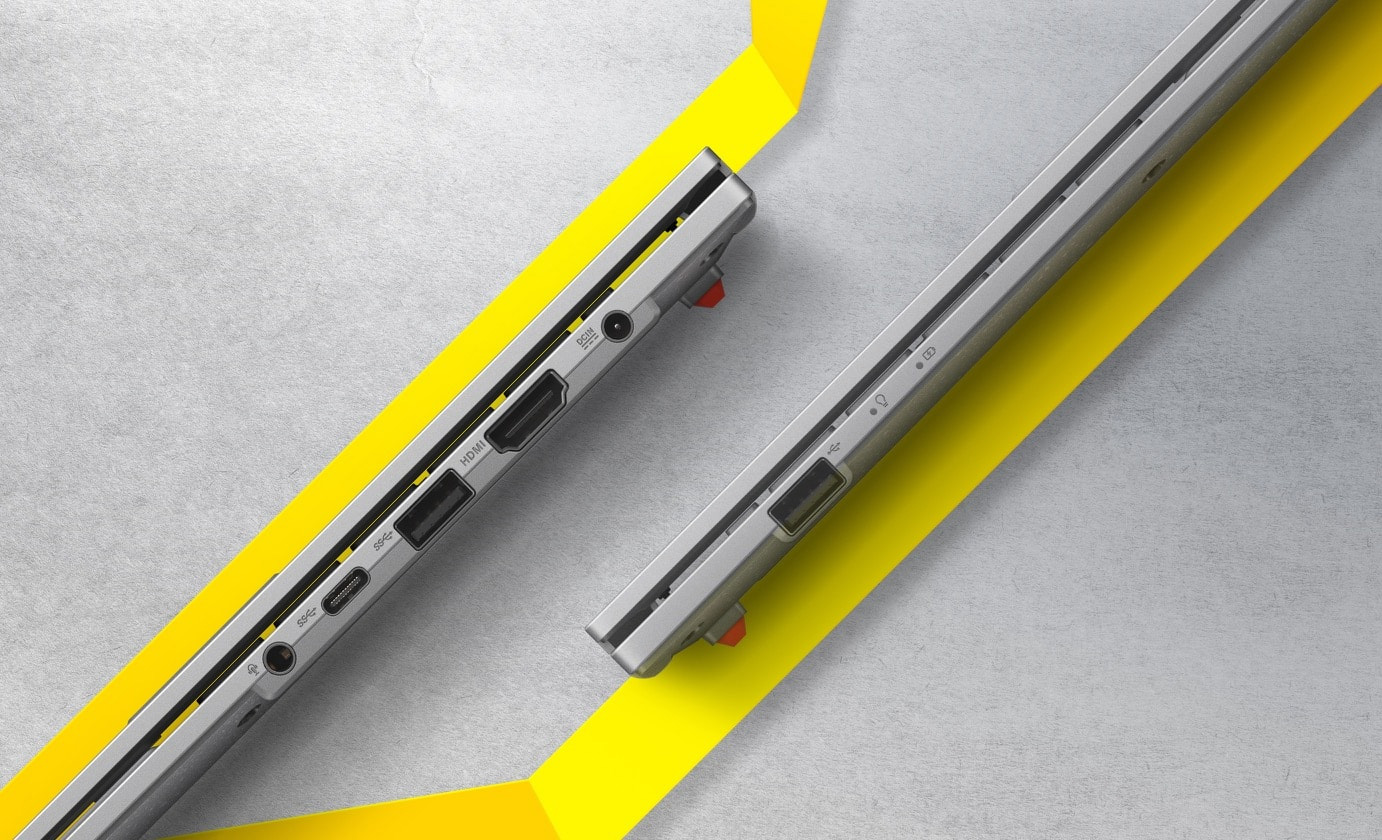
Vivobook Go 15 keeps you fully connected with its comprehensive I/O ports. There are a USB-C® 3.2 Gen 1 port, a USB 3.2 Gen 1 Type-A port, a USB 2.0 port, HDMI® output and an audio combo jack — so it’s easy to connect all your existing peripherals, displays and projectors.
User Experience
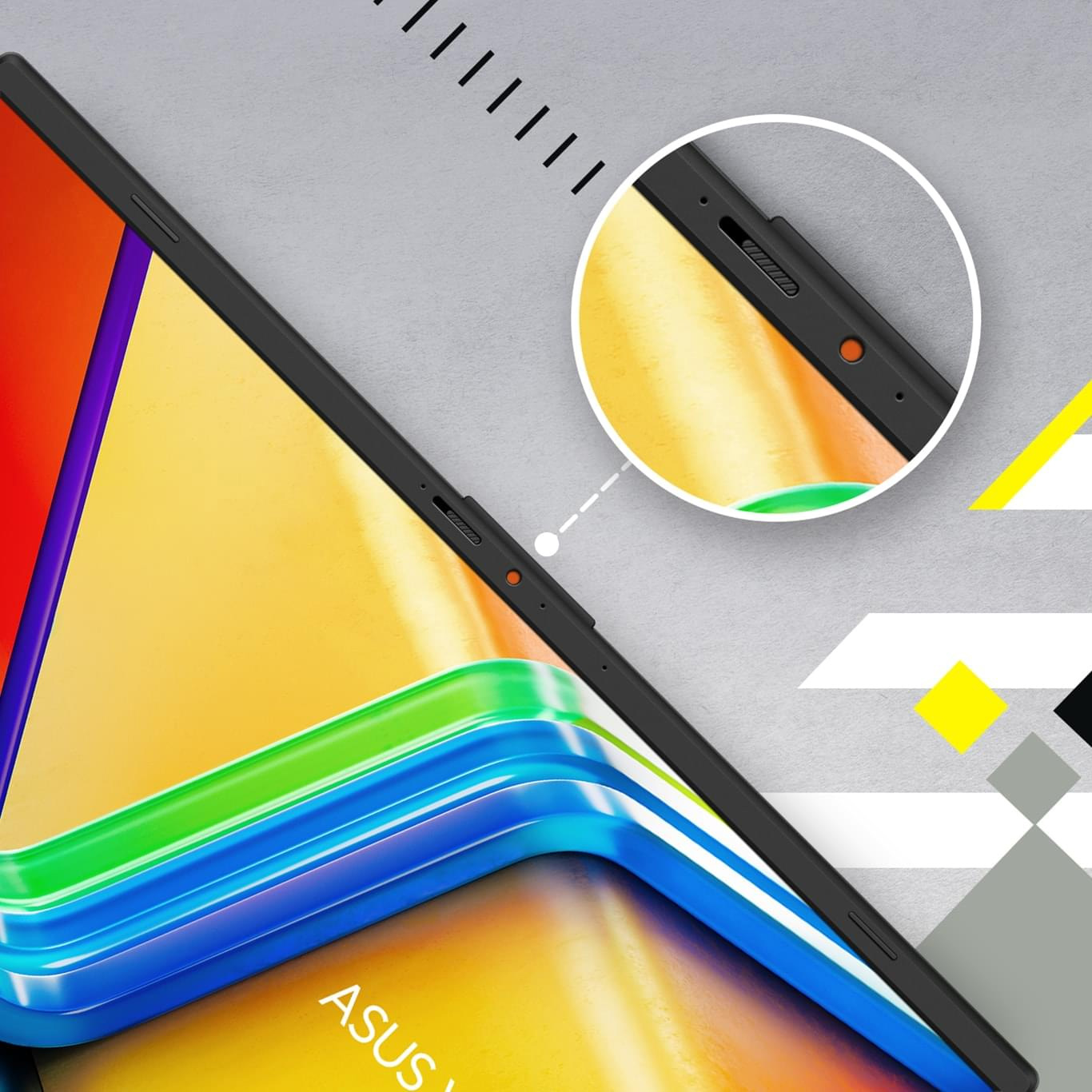
Vivobook Go 15 takes your privacy and security seriously. There’s an integrated privacy shield that slides over the webcam for instant privacy, shielding you from prying eyes and disturbances.
Conference Call
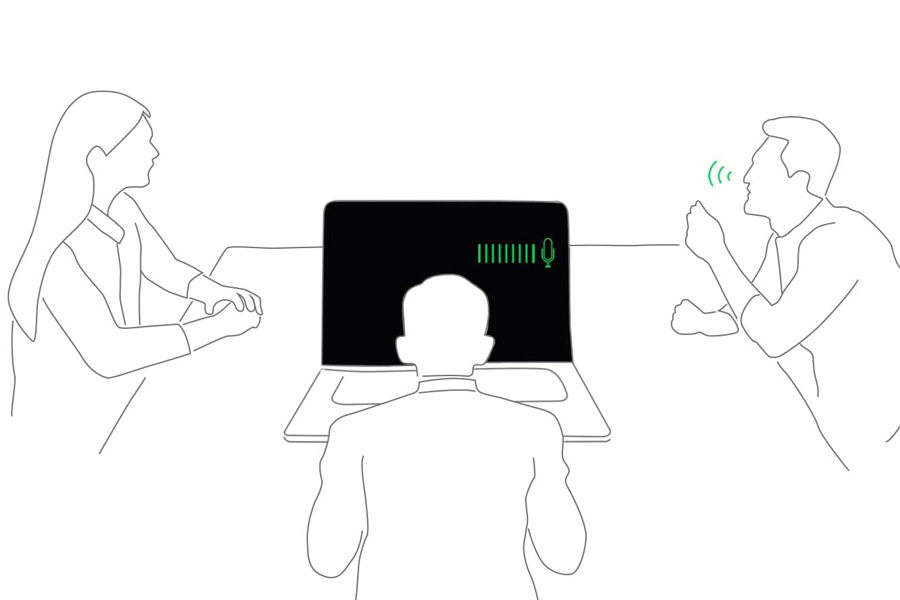
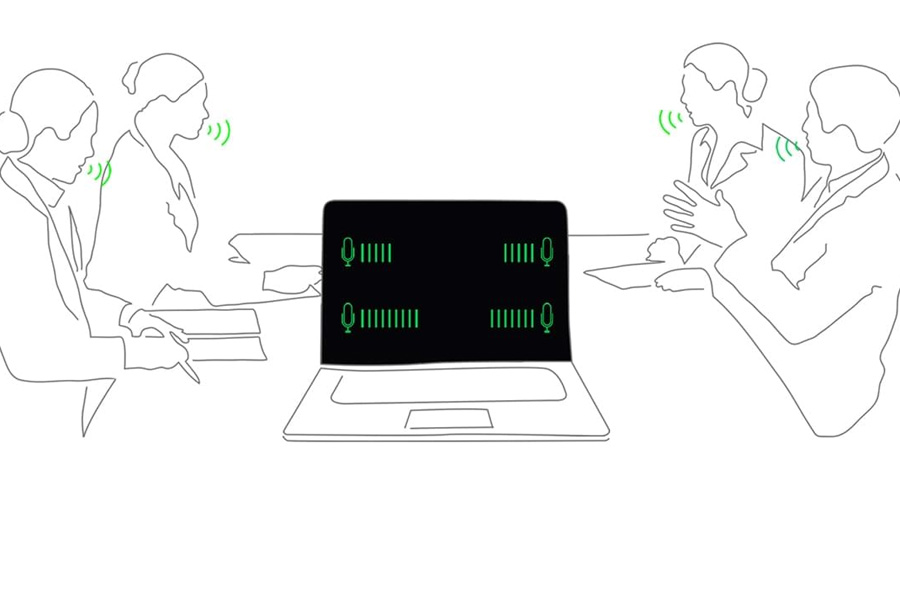
Conference calls can be single-presenter or multi-presenter, gathered around a single laptop with voices coming from various directions. With the upgraded system enabled via the MyASUS app, it detects and optimises audio from either one direction or from all directions — ensuring top conference call audio quality.
Single presenter conference call
Single-presenter conference call mode can filter out noise and other voices, and ensures only the voice in front of laptop can be heard. When you switch on the Target Speaker Tracking mode it can even target and track new talkers within a 180° arc, making the feature ideal for recording large groups as well as for individuals.
Multi-presenter conference call
Multi-presenter conference call mode filters out ambient noise whilst identifying multiple voices from all directions and distances, so all voices can be heard more clearly.
Keyboard
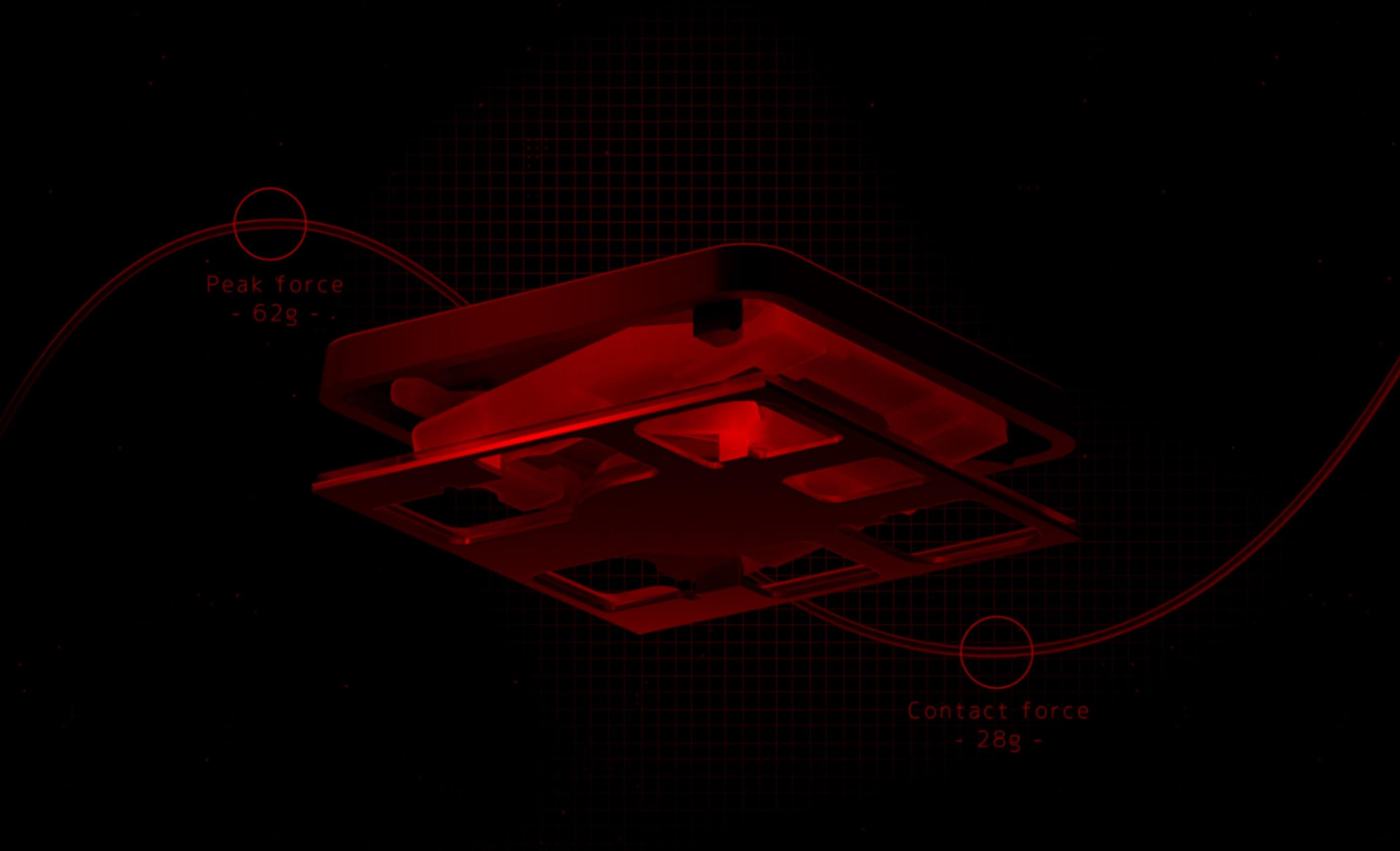
The feel of a keyboard depends on the crucial ratio between the peak force (also known as the actuation force) and the contact force. Peak force occurs when you press down on the key and reach the maximum force that the key’s underlying rubber dome can withstand without deflecting. Contact force occurs when the bottom of the key touches the circuit board to trigger an electronic signal, which in turn generates the action appropriate to the key. To achieve the most natural feel for a keyboard, ASUS keyboard experts have scientifically determined that the optimal ergonomic click ratio for a key is between 45-60%. These forces are precisely measured and tuned using the ASUS-designed rubber domes beneath the keys.

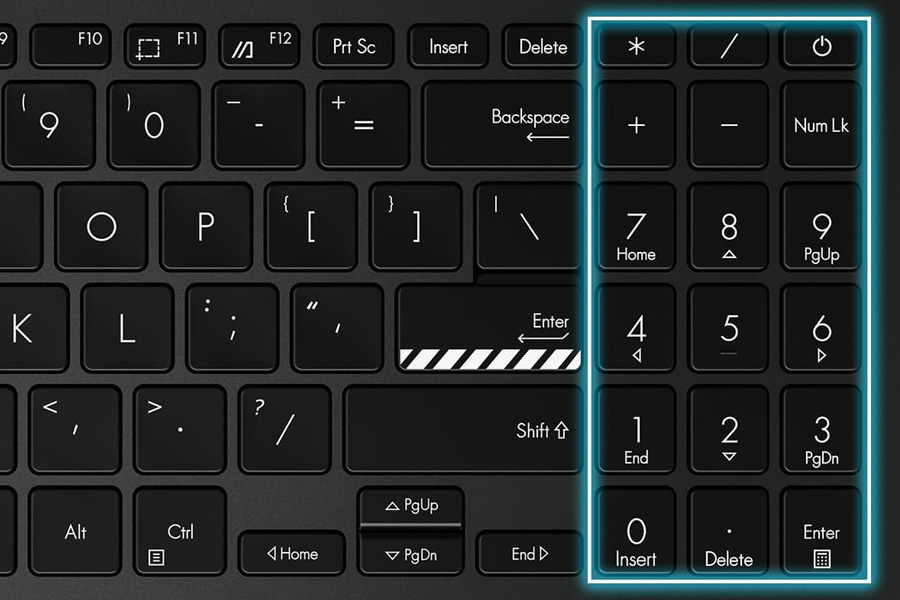
ASUS ErgoSense keyboard, comfortable typing experience
Your comfort is our highest priority. That’s why the ASUS ErgoSense keyboard has an incredibly satisfying feel, with the optimum key bounce and travel calculated with fine-tuned precision. Experience the ErgoSense keyboard and you’ll soon find yourself cruising effortlessly through your work.
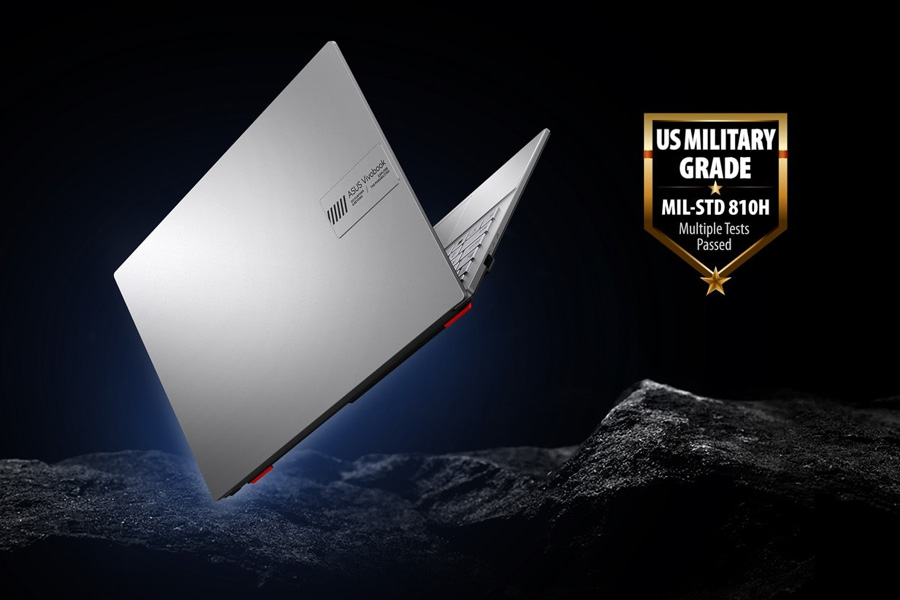
World’s most strictly tested US military-grade laptop durability15
ASUS laptops7 are engineered with extraordinary toughness meet the exacting US MIL-STD-810H military-grade standard, undergoing 12 rigorous test methods and 26 punishing test procedures — exceeding industry standards. The upshot is a range of products that are renowned for reliability and durability. These factors also inherently benefit longevity and thus sustainability, so you can work, travel or relax with the confidence that your ASUS laptop is ready for the real world — today, and long into the future.
Next-level AI noise-cancelling audio technology
To provide exceptional remote-working and video-conferencing experiences, features ASUS AI Noise-cancelling Technology that employs machine learning in order to isolate unwanted noise from human speech. This technology helps to filter out ambient noise for optimum group conference-call quality. The ASUS AI Noise-cancelling Microphone feature in the MyASUS app can filter out ambient noise
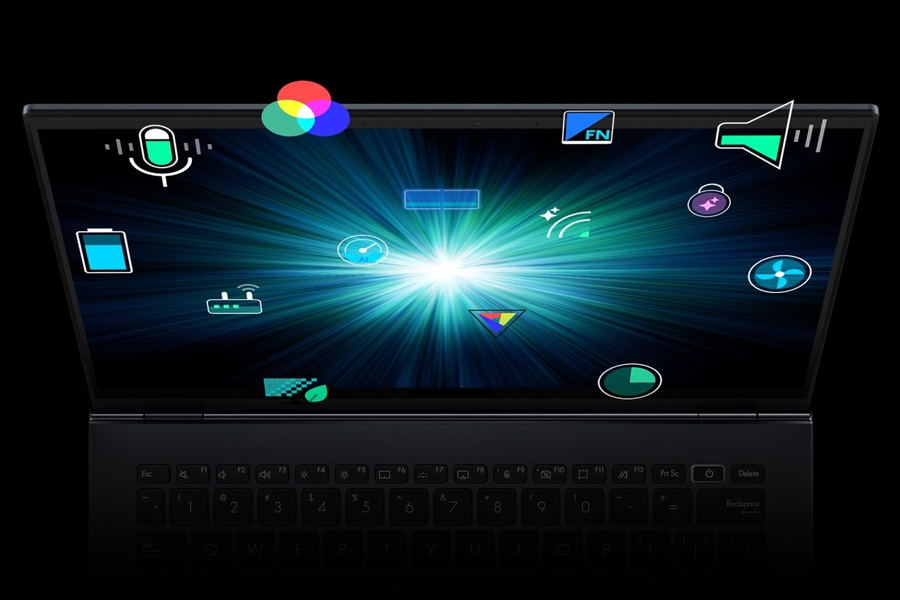
Truly personalised workflow
MyASUS hosts a collection of handy ASUS apps and tools that help you get more out of your laptop. GlideX is a powerful cross-device screen-sharing solution. ScreenXpert helps you to manage app windows across displays connected to your ASUS PC, giving you full control of your workflow!
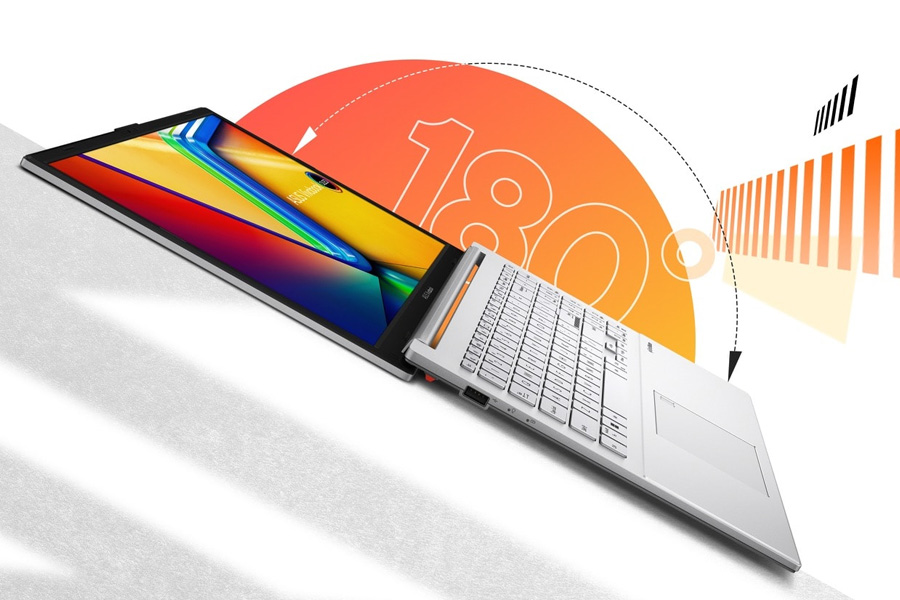
Wide open for sharing
Vivobook Go 15 features a precision-engineered, 180° lay-flat hinge that makes it easy to share content or collaborate with others.

Standout webcam effect – ASUS 3DNR
ASUS 3D Noise Reduction (3DNR) Technology significantly upgrades the webcam image clarity for clearer conference calls.
 Print Asus E1504FA-BQ631W-P VivoBook Go 15 15.6" FHD Screen AMD Ryzen 5-7520U 16GB DDR5 RAM 512GB NVMe SSD Wireless AX+Bluetooth Windows 11 Home 1 Year Warranty (Replaces E1504FA-NJ273W) Product Page
 Ask Us About Asus E1504FA-BQ631W-P VivoBook Go 15 15.6" FHD Screen AMD Ryzen 5-7520U 16GB DDR5 RAM 512GB NVMe SSD Wireless AX+Bluetooth Windows 11 Home 1 Year Warranty (Replaces E1504FA-NJ273W)
 Price Match Asus E1504FA-BQ631W-P VivoBook Go 15 15.6" FHD Screen AMD Ryzen 5-7520U 16GB DDR5 RAM 512GB NVMe SSD Wireless AX+Bluetooth Windows 11 Home 1 Year Warranty (Replaces E1504FA-NJ273W)
